Can I Use eSIM and Physical SIM at the Same Time? 2026 Complete Guide
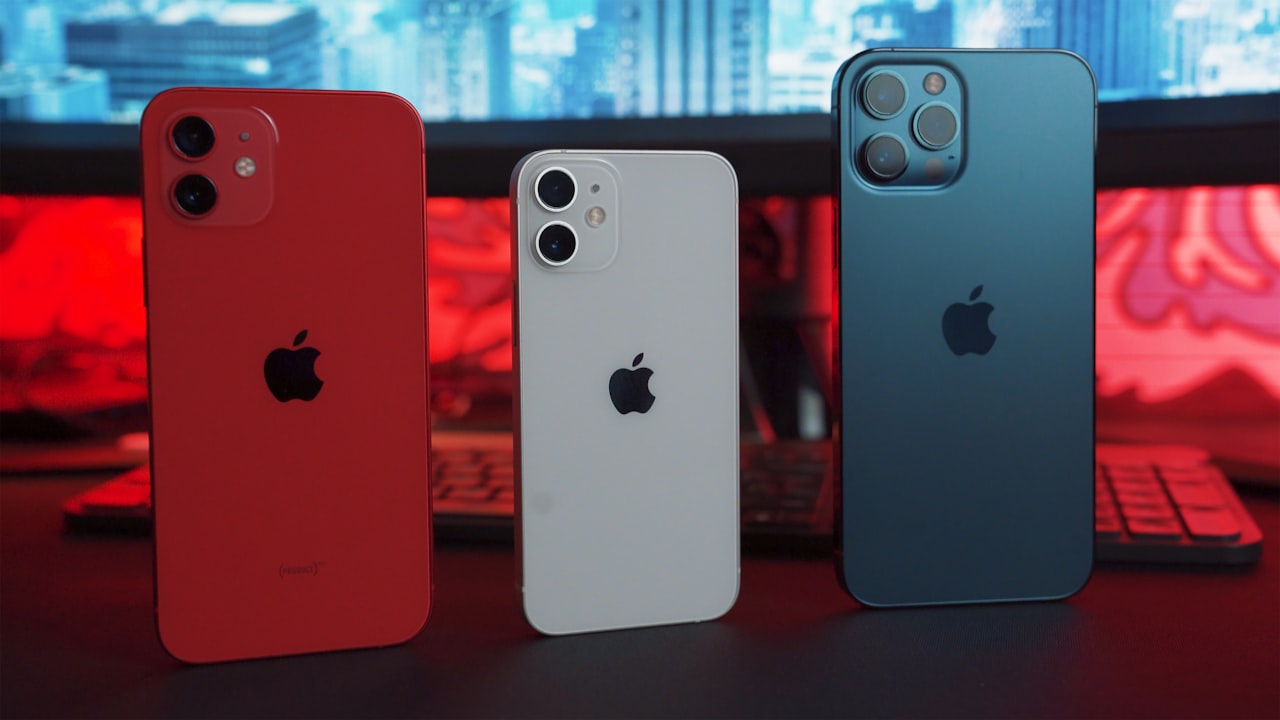
One of the most frequently asked questions we receive at RoamHoliday is: "Can I use an eSIM and a physical SIM card at the same time?" The short answer is a resounding YES. In fact, this capability, known as Dual SIM Dual Standby (DSDS), is one of the most powerful features of modern smartphones. In this guide, we'll explore how this technology works, why it's a game-changer for travelers in 2026, and how to set it up on your device.
What is Dual SIM Dual Standby (DSDS)?
Dual SIM Dual Standby means your phone can have two different phone numbers (or plans) active simultaneously. You can receive calls and texts on both numbers without having to switch or reboot your phone. However, you can generally only use cellular data from one line at a time.
Most modern phones achieve this by combining:
- One Physical SIM Slot: For your traditional nano-SIM card.
- One internal eSIM chip: For digital profiles (like RoamHoliday).
Note: Some newer devices, like the US iPhone 14/15/16 models, support Dual eSIM (two active eSIMs) instead of using a physical slot, but the principle of simultaneous usage remains the same.
Why Use Both? Top 3 Benefits
1. The Ultimate Travel Hack
When traveling abroad, you don't want to remove your home SIM card. Why? Because you might need to receive One-Time Passwords (OTPs) from your bank, or emergency calls from family. By using an eSIM for your travel data:
- Home SIM (Physical): Stays active for calls/SMS (keep data roaming OFF to avoid fees).
- Travel eSIM: Handles all your internet traffic (maps, social media, browsing) at local rates.
2. Work-Life Balance
Keep your personal number on your physical SIM and a separate business line on your eSIM. You can easily toggle the business line "Off" when you clock out for the weekend, while keeping your personal line active.
3. Network Redundancy
If you live in an area with spotty coverage, having two lines from different networks ensures you always have a backup. If Network A drops out, your phone can still connect via Network B.
How to Set Up Simultaneous Usage
On iPhone (iOS 17+)
- Go to Settings > Cellular.
- You will see two sections under "SIMs": your Primary (Physical SIM) and your new eSIM (e.g., "Travel").
- Tap Cellular Data at the top. Select your eSIM (Travel) as the data source.
- Important: Turn OFF "Allow Cellular Data Switching" to prevent the phone from accidentally using your home carrier's expensive data.
- Tap Default Voice Line and select your Physical SIM (Primary) so calls come from your main number.
On Android (Samsung/Pixel)
- Go to Settings > Network & internet > SIMs (or "Connections > SIM manager" on Samsung).
- Ensure both your Physical SIM and eSIM are toggled ON.
- Tap Mobile data and select your eSIM.
- Tap Calls and SMS and select your Physical SIM (Primary).
- Ensure "Data roaming" is turned ON for the eSIM profile, but OFF for your Physical SIM profile.
Frequently Asked Questions
Does using two SIMs drain battery faster?
Slightly, yes. Your phone has to maintain a connection to two cell towers simultaneously. However, modern 5G chips are very efficient, so the impact is usually minimal (around 10-15% extra drain).
Can I use WhatsApp with my old number?
Absolutely. WhatsApp is tied to your phone number, not your active data line. You can use data from your new eSIM while keeping your WhatsApp linked to your original home number.
Get Connected Instantly
Ready to experience the freedom of dual connectivity? RoamHoliday offers instant eSIM data plans for over 190 countries. Keep your number, lose the roaming fees.
Shop eSIM Plans